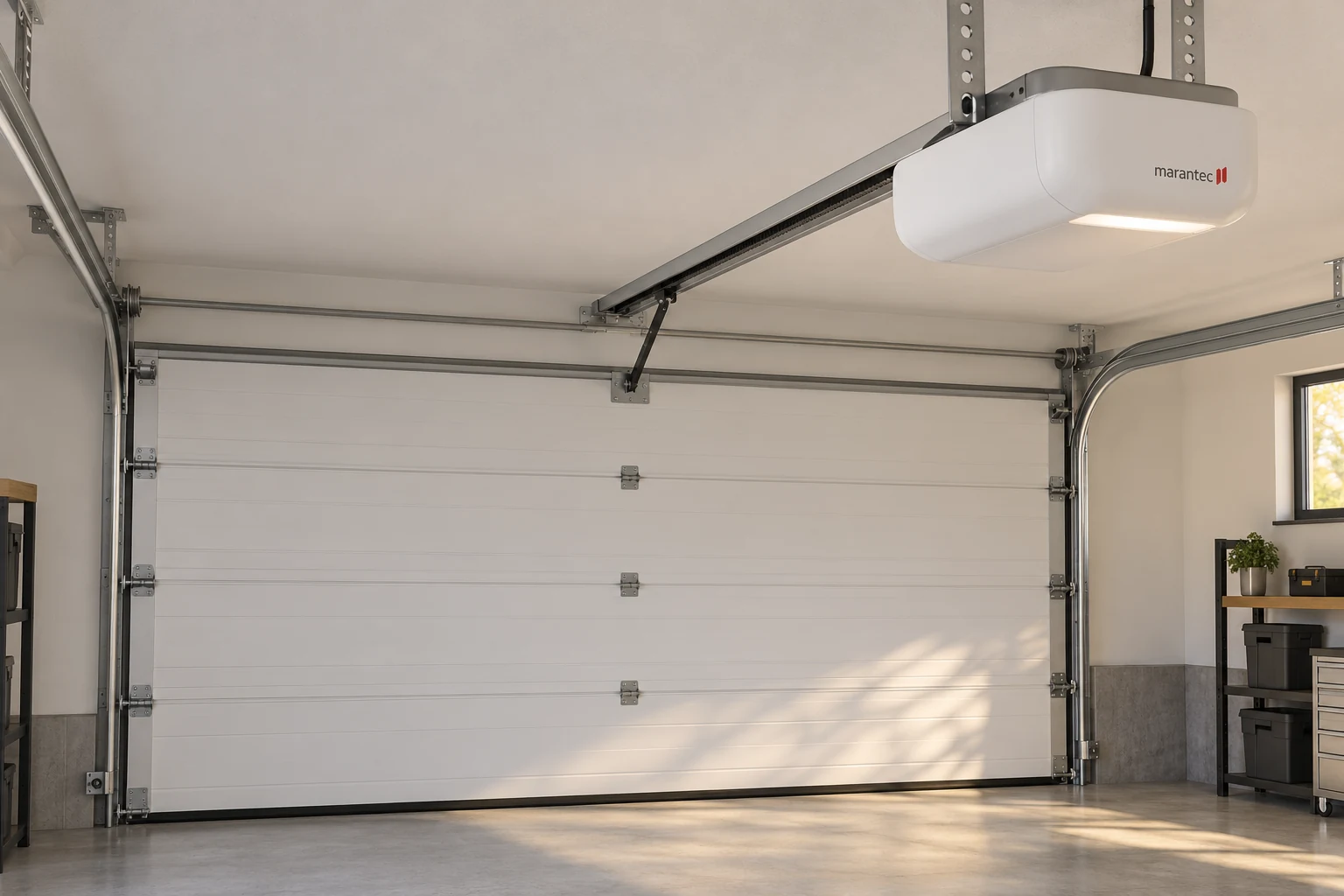
Marantec M-Line 4500 and 4700 Service
Marantec M-Line 4500 and 4700 are legacy models without the EOS “e” suffix. Keep the opener label and existing transmitter information together. Marantec’s guidance distinguishes older M4500, M4700 and Q-Line radio configurations from the EOS group; a similar housing or a familiar brand name does not establish accessory compatibility.
Marantec M-Line Remote Replacement or Receiver Assessment
A working handset shows that one radio-control path still operates. Keep it available and record its markings. If no remote works, report whether the indoor wall control still moves the door. An older remote should be identified before selecting a modern replacement: a receiver update is a separate option from direct transmitter replacement, and a “universal” description does not resolve every legacy radio difference.
Ask whether a proposal changes the handset, receiver or programming, and why. Updating radio equipment will not repair an unrelated drive or mechanical door fault. Use Marantec remote replacement and compatibility for accessory selection.
Marantec M-Line 4500 Flashing, Not Closing or Needing Parts
Record which light flashes, when it starts and whether the door stops during travel. A “4500 flashing 6” description does not establish a universal part diagnosis. Match the complete model and indication to its documentation; do not apply an EOS or Synergy programming or reset sequence. If the door is uneven or visibly damaged, stop operation instead of changing force settings.
Legacy part availability and fit must be checked for the actual installation. If a repair cannot be supported with appropriate components, compare the limitations with a complete replacement proposal including controls and safety equipment. See Marantec parts, opener repair and the manufacturer’s manual resources.
Marantec M4500e and M4700e EOS Service
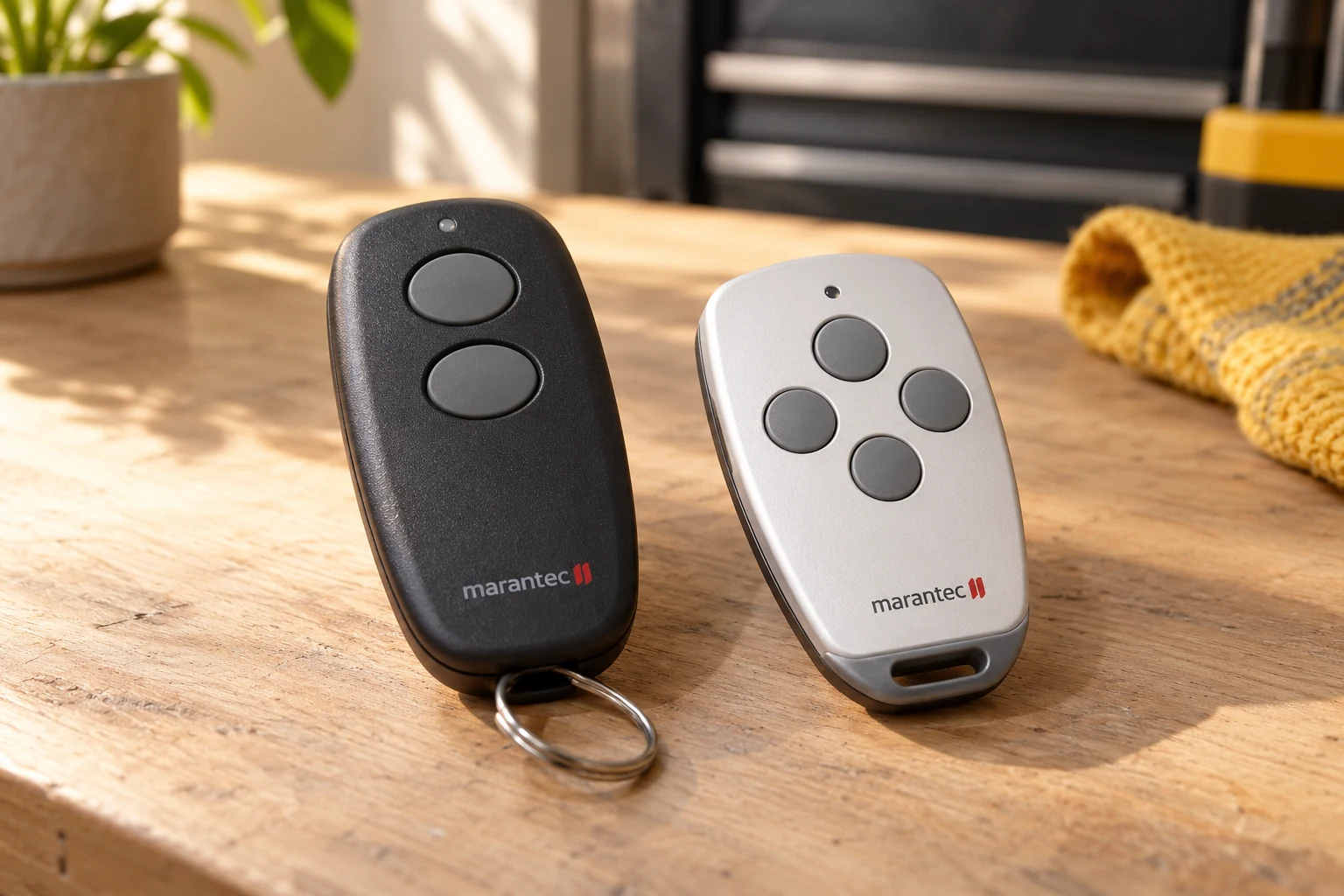
Keep the complete “e” suffix when requesting Marantec M4500e or M4700e service. The manufacturer’s shared EOS owner manual covers these two models, but a shared manual does not make every part interchangeable. Use an accessible label or existing paperwork to identify the installed unit before choosing a control board, remote or procedure.
Marantec M4500e and M4700e Remote Programming
Marantec’s guidance identifies these EOS systems as 315 MHz equipment. The accessory and setup procedure must still match the installed receiver. Explain whether you need the first working remote, an additional spare or a replacement for a failed handset. With no working remote, report whether the wall control still operates the door; code transfer from an existing handset is a different situation from establishing the first transmitter.
The M4500e/M4700e manual identifies the opener’s P, plus and minus controls. That is a reason to use the correct procedure, not an instruction to alter travel or force settings. Keep any existing remote or keypad model and readable frequency marking available. See Marantec remote programming and keypad service.
Marantec M4500e Troubleshooting, M4700e Faults and Manuals
Marantec M4500e troubleshooting and M4700e fault diagnosis begin with the actual symptom: no response, incomplete travel, reversal or a transmitter-only failure. Record which controls work and any displayed indication. Do not increase force to compensate for a faulty door or bypass safety equipment. A component recommendation should identify the affected assembly and its compatibility; whole-opener replacement is a separate decision.
Use the Marantec M4500e/M4700e owner manual for the matched EOS equipment. The Marantec M4500e manual and Marantec M4700e manual are the shared document, not a universal guide to legacy M-Line or Synergy openers.
A clear path to Marantec service
Describe the symptom
Tell us what the door does and which controls still work.
Identify the equipment
Use the full opener model and the accessory label to guide the assessment.
Discuss the next service step
Ask what needs repair, what fits your system and what testing is included.
Talk through your Marantec problem
Have the full model name and the symptoms ready.
Marantec Synergy Garage Door Opener Service
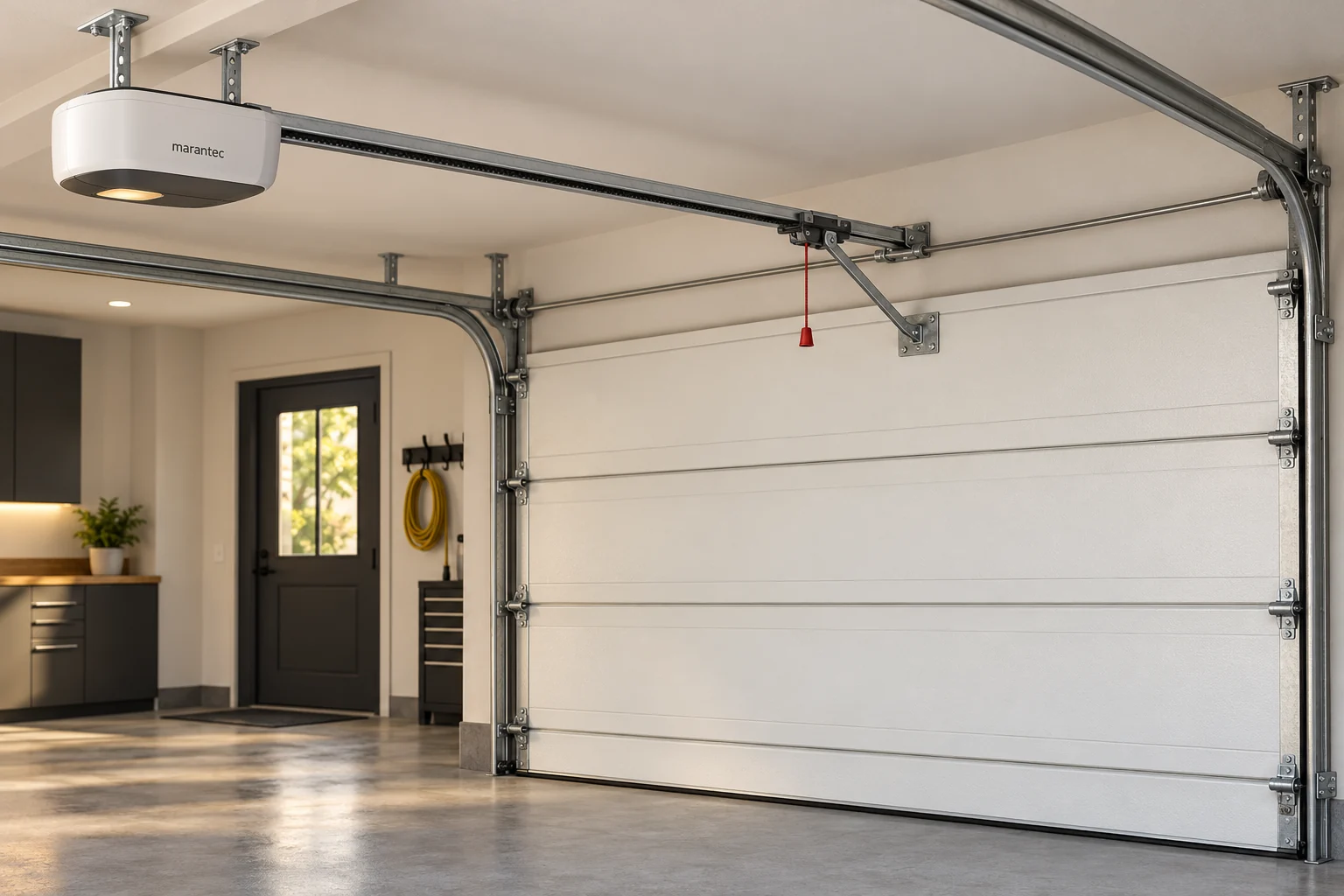
Marantec Synergy service starts with the full model, not the family name alone. The 200 and 300 series include ceiling-mounted belt-drive equipment; model specifications, control boards and optional accessories must be checked individually. Keep the existing paperwork and accessible model label with the service request.
Marantec Synergy 260, 270, 280, 360, 370 and 380
For a Synergy 260, 270 or 280, identify the exact 200-series model before requesting a part or setup procedure. A later installation can differ from an earlier unit. For a Synergy 360, 370 or 380, include any display or indicator behavior with the 300-series model. The Synergy 200 and Synergy 300 manufacturer pages provide family context; the resources library supplies the model-specific manual.
Marantec Synergy Controls, Closing Faults and Accessories
For a Synergy opener that is not working, record whether the motor responds, where the door stops and which controls work. Match a code or flashing indication to the installed model. Keep the opening clear; persistent closing or reversal faults need assessment without bypassing photo eyes or increasing force to overcome a faulty door.
For Synergy remote programming, distinguish a first working transmitter from an additional spare. Keypads and vehicle controls are separate setup tasks. Connected access and backup power are also separate compatibility decisions: identify what is already installed before using the maveo and HomeLink guide or requesting Marantec backup-power service.
Marantec RDD Side-Mounted Garage Door Opener Service
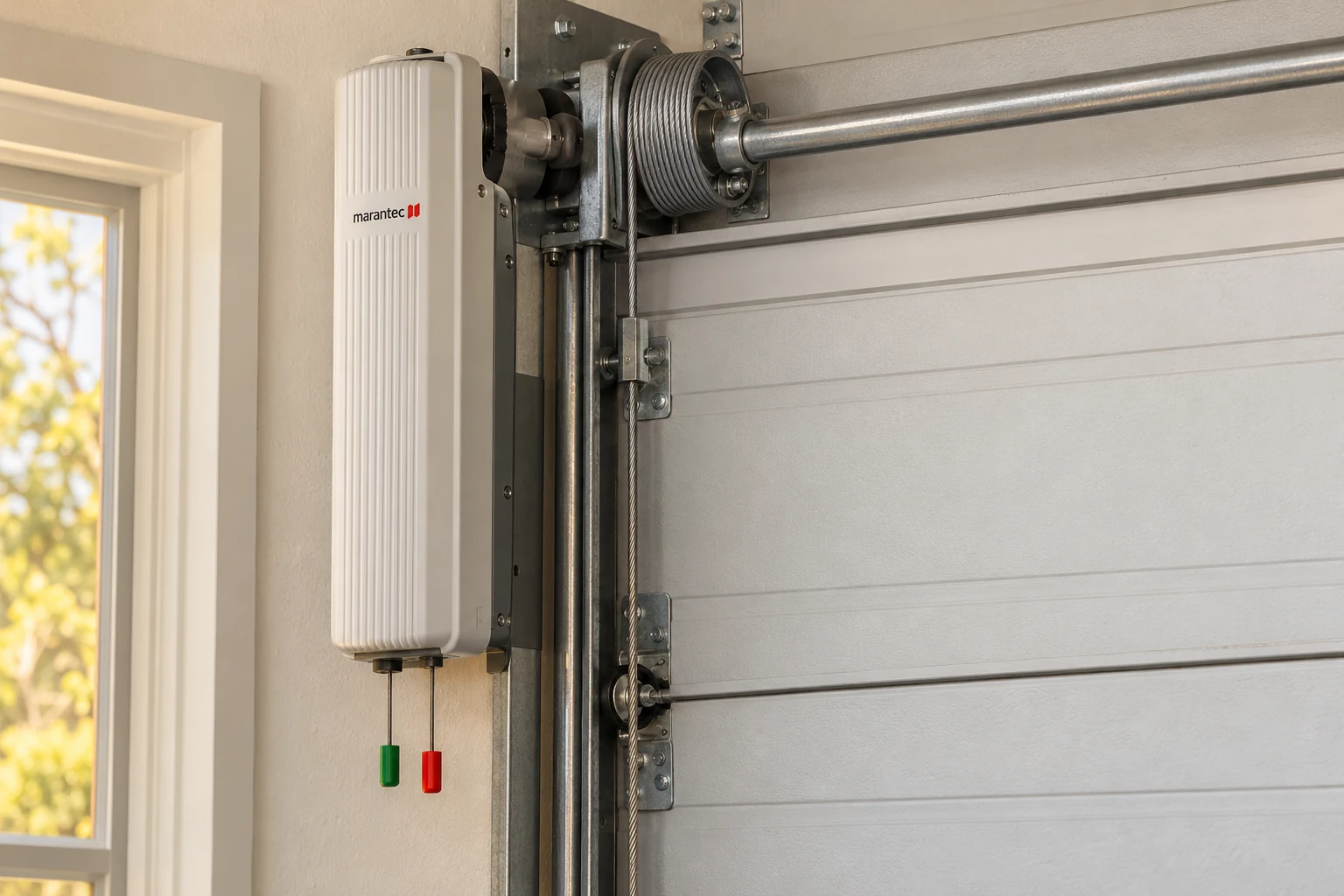
Marantec RDD uses a side-mounted direct-drive arrangement rather than a ceiling motor and trolley rail. Identify the full model, door, shaft configuration and associated controls before recommending a component. The manufacturer lists distinct RDD models; a family name or product photograph is not a complete specification.
Marantec RDD Installation and Control Assessment
A change between overhead and side-mounted equipment requires an installation assessment; it is not a universal direct swap. Describe whether the RDD responds to the wall control, remote or connected-access control, and whether the door moves, stops or reverses. A failed accessory and a drive fault need different investigations. Keep the accessory model when requesting a remote or keypad.
Marantec RDD Backup Power and Service Options
Marantec describes RDD-specific backup and connected-control options. Check the exact installed configuration before selecting an accessory; use backup-power service and smart-access compatibility as distinct decision paths. If the door appears unstable or damaged, stop operation and request professional attention. Do not remove drive components or override safety features to make it move.
Other or Unclear Marantec Model Labels
If the model is not in the index, do not select the closest-looking name. Keep a safe photograph of an accessible label or the original paperwork. A service request can begin with incomplete information, but a parts or compatibility recommendation should not pretend that the identity has already been confirmed.
Marantec Manufacturer Manuals
The Marantec resources library is the source for manufacturer manuals and accessory documents. Choose the exact model and revision where available. The linked manuals are published by Marantec; use the document that matches your installed equipment.
For help with the symptom rather than the model, start with troubleshooting. For a service request, contact Marantec Opener Service.
Marantec M55 Garage Door Opener Identification
The Marantec M55 garage door opener is identified in Marantec’s own support material. For Marantec M55 troubleshooting, begin with the exact installed model, the symptom and the working controls. The manufacturer’s FAQ identifies M55 radio operation as 315 MHz and discusses HomeLink support. That does not make an M55 a Synergy 260 or prove that every remote, circuit board or connected-access accessory fits it.
Marantec M55 Remote and Programming Requests
For a Marantec M55 remote request, keep the transmitter and receiver identification separate from the opener model. For Marantec M55 programming, obtain the matching manufacturer instructions before changing settings. This service page does not substitute a Synergy procedure for an unverified M55 procedure or claim that every discontinued component is available.
Marantec Q-Line and Other Legacy Openers
Marantec’s support material also recognizes Q-Line equipment and notes that legacy operating frequencies vary. A recognizable Marantec housing is not enough to choose a replacement control. The service request should include the exact label and any existing remote identification, with inaccessible details left for the technician.
Marantec Model Labels Versus Replacement Part Numbers
A Marantec model name, accessory model and spare-part number are different identifiers. Write down which label each number came from rather than combining them into one model description. This helps avoid selecting a manual for the opener when the request actually concerns a remote or keypad. Use Marantec replacement parts for component-identification requests and Marantec remote compatibility for transmitter selection.