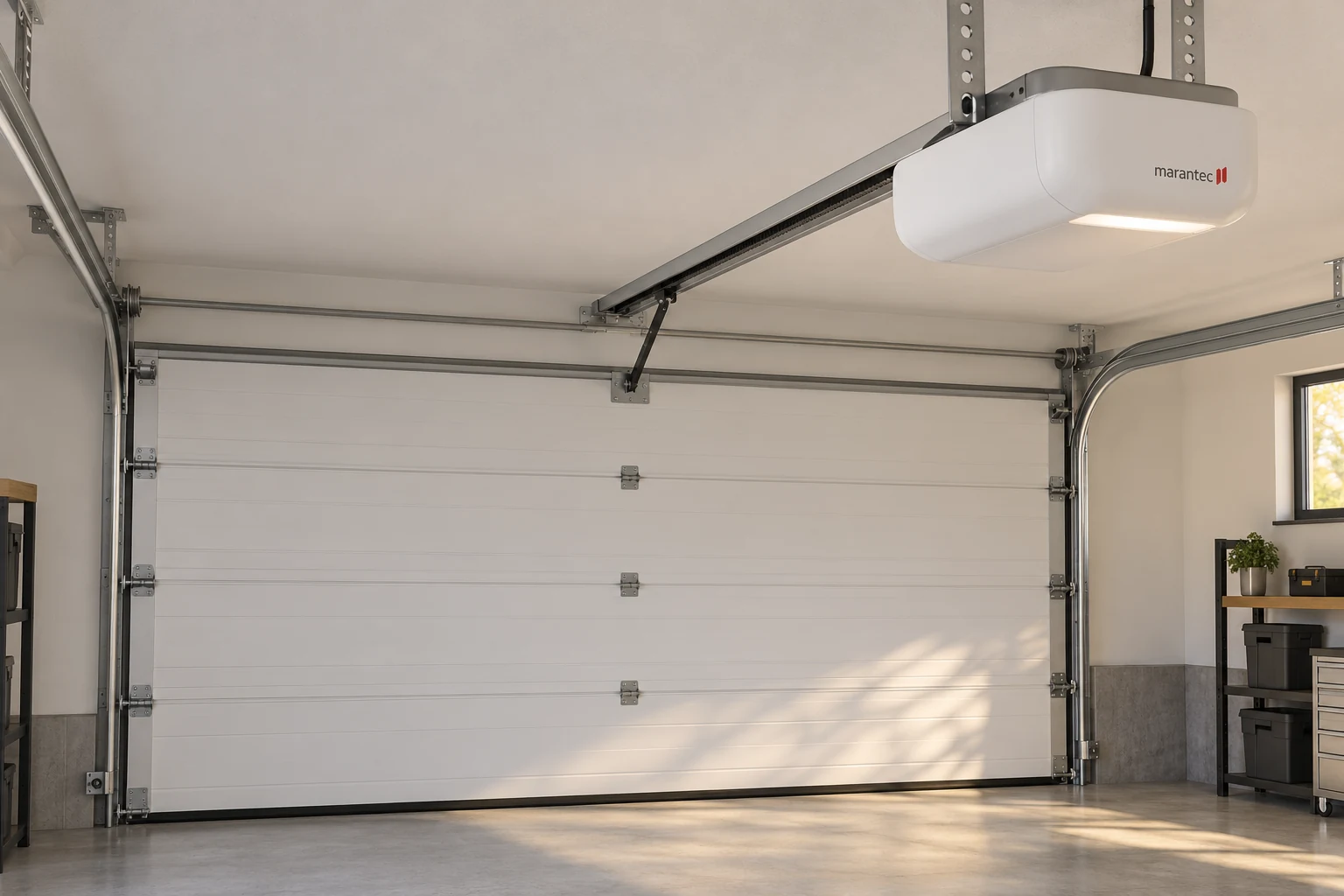
Marantec maveo BlueFi Stick Compatibility
The manufacturer's current maveo page lists Synergy 200 and 300 models and includes production-date and control-board conditions for unattended operation. In particular, its guidance says pre-March 1, 2022 operators need a control-board upgrade for the stated unattended-operation compatibility, unless the product indicates otherwise. Verify the exact installed configuration before turning a product-family match into a purchase recommendation.
Marantec Connected Access Has Stopped Working
Describe whether the ordinary remote or wall control still operates the door. An app-only problem should be distinguished from a complete opener failure. Record what changed before the issue began, without sharing passwords or account-recovery information through an ordinary service form.
Adding Wi-Fi to an Older Marantec Opener
Do not assume the stick alone is sufficient. An assessment should identify the opener, date and applicable accessory documentation before promising a feature. If the documentation for a legacy model differs from a current product page, resolve that discrepancy rather than choosing the more convenient claim.
Marantec HomeLink and Vehicle Programming
Vehicle controls require their own compatibility check. Identify the vehicle system and opener radio equipment, and keep a working handheld transmitter available where the matched setup calls for it. Use the applicable vehicle and opener instructions instead of an unrelated remote-reset tutorial.
Marantec Vehicle-Control and Keypad Setup Are Different
The procedures and prerequisites are different. If the problem concerns PIN entry, use the keypad page. If it concerns an additional handheld remote, use remote programming.
A clear path to Marantec service
Describe the symptom
Tell us what the door does and which controls still work.
Identify the equipment
Use the full opener model and the accessory label to guide the assessment.
Discuss the next service step
Ask what needs repair, what fits your system and what testing is included.
Talk through your Marantec problem
Have the full model name and the symptoms ready.
Other Smart-Platform Questions for Marantec Openers
Compatibility with another smart-home platform must be checked for the installed opener and proposed accessory. This page does not claim universal compatibility with third-party apps, hubs or accessories. Ask about the exact proposed device and installed opener before assuming a bridge, receiver or app will work.
Request Marantec Connected-Access Help
Have the opener model, accessory name and symptom ready. Keep account credentials private. A useful service recommendation should explain whether the issue is setup, the accessory, compatibility or a separate opener fault.