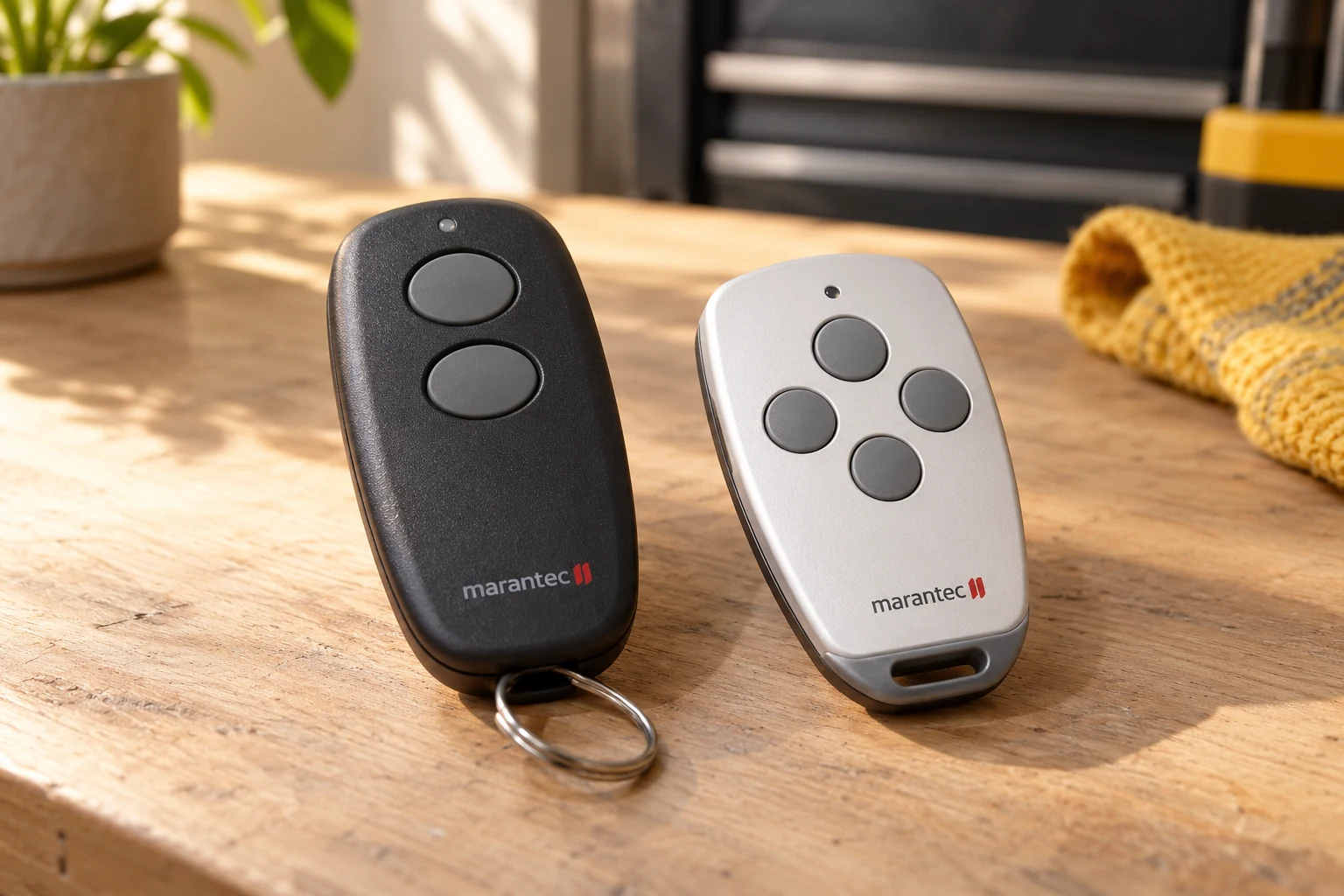
Marantec Garage Door Opener Remote Programming
Marantec garage door opener remote programming depends on the complete opener model, its radio equipment and the transmitter being configured. Before setup, identify whether you are adding a spare, replacing a failed remote or starting with no working handset. Keep any working remote available and record whether the wall control still operates the door. Repeating a setup sequence cannot make an incompatible transmitter compatible.
For a missing or damaged handset, begin with Marantec remote compatibility and replacement. If the problem is a wireless PIN pad, use the keypad programming guide instead. Vehicle controls have their own compatibility considerations, covered under smart access.
Programming the First Marantec Remote
A first-remote request means there is no working handset available for the existing installation, or the system must be set up again using a compatible transmitter. The exact model instructions determine the process. Do not substitute a procedure from a different control panel because a search result uses a similar model name.
Marantec M4500e and M4700e Programming
Include the full suffix when requesting help. The M4500e and M4700e model page provides the correct family context and the manufacturer manual link. It does not turn the EOS instructions into an all-model reset guide.
Marantec Synergy Remote Programming
Use the Synergy model page when the opener belongs to that family. Record the exact model and what appears on its controls. The same symptom can require a different next step when the accessory itself does not match the installed system.
A clear path to Marantec service
Describe the symptom
Tell us what the door does and which controls still work.
Identify the equipment
Use the full opener model and the accessory label to guide the assessment.
Discuss the next service step
Ask what needs repair, what fits your system and what testing is included.
Talk through your Marantec problem
Have the full model name and the symptoms ready.
Adding Another Marantec Remote
Adding a spare should preserve the controls that already work. For applicable Marantec transmitter systems, the manufacturer's instructions distinguish initial setup from transferring a working remote's code to another compatible transmitter. Identify the correct remote pair and connector before attempting that procedure.
Marantec Programming Connectors and Jumpers
A connector is not a generic repair tool. A request for a Marantec programming connector or remote jumper should include the transmitter models involved. Do not improvise metal bridges or use an unidentified connector to change settings. The accessory instructions, not an online shortcut, govern the setup.
How to Program a Marantec Remote Without the Old Remote
To program a Marantec remote without the old remote, first identify a compatible replacement transmitter and obtain the instructions for the exact opener. Without a working handset, code transfer from an existing remote is not available; the matched documentation determines how to establish the first working transmitter. Explain whether the old remote is missing or simply no longer responds, because other accessories may still depend on the existing setup.
When Marantec Remote Programming Does Not Solve the Problem
A remote that works only intermittently, or a system that fails from every control, may need diagnosis beyond programming. Keep track of what succeeded and what changed during setup. Avoid repeating resets without a clear reason, because you can lose useful settings while leaving the original issue unresolved.
Marantec Garage Door Opener Learn Button Questions
Before looking for a Marantec garage door opener learn button, confirm that the remote-setup instructions match your installed opener. Identify the Marantec model before pressing or holding controls. A programming button, a travel-setting menu and a remote-code procedure are not interchangeable tasks. Guessing through a menu can create a second problem without fixing the first.
Marantec M4500e Learn Button and Programming Controls
For Marantec M4500e learn button questions, use the M4500e/M4700e owner’s manual rather than a generic colored-button guide. That manual identifies the opener’s P, plus and minus controls. This is a reason to choose the correct procedure, not an instruction to change travel or force settings. The Marantec EOS model page keeps the e-series identification separate from legacy M-Line equipment.
Adding a Marantec Remote Without Changing Every Control
Before Marantec remote programming, explain whether you are adding one extra transmitter, replacing a lost transmitter or starting with no working remote. Also report which keypad or vehicle controls must continue to work. These are different service situations; the correct outcome is not simply a new remote that works while an existing control no longer does.
Marantec Remote Programming After a Failed Attempt
If Marantec remote programming did not work, tell us what was attempted and whether the original remote still operates the door. Do not repeat unrelated reset sequences to clear the problem. The remote identity, installed receiver, selected button and model-specific procedure should be checked first. After programming, each intended control should be tested separately with the door in view and its path clear. If the opener still refuses all commands, move to Marantec opener troubleshooting rather than treating every failure as a pairing problem.